Inform customers in real time, reduce support noise, and build trust during downtime with a beautiful, branded, automated status page.














Give customers a single source of truth during downtime—what’s impacted, what you’re doing, and when they’ll hear from you next.
Deflect “is it down?” tickets and reduce escalations with proactive, real-time updates your customers can find and share in seconds.
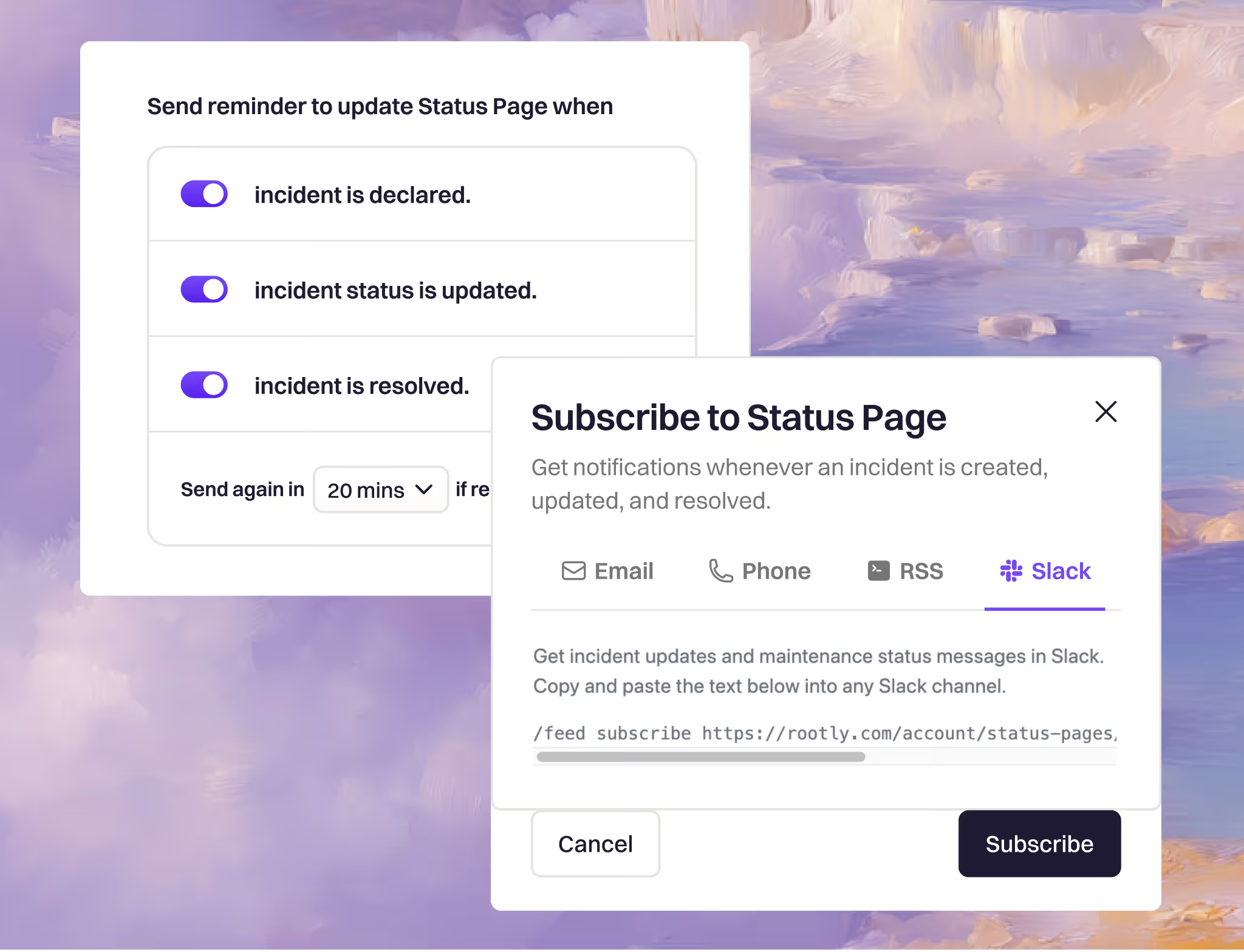
Automate updates with prompts, templates, and subscriptions—so the right message goes out, without slowing down response.
Status Pages plug directly into your incident workflows with built-in prompts and automatic reminders, one-click templates for pre-approved messaging, and subscriptions/notifications so stakeholders never miss an update—whether you fully automate posts or keep a human in the loop.
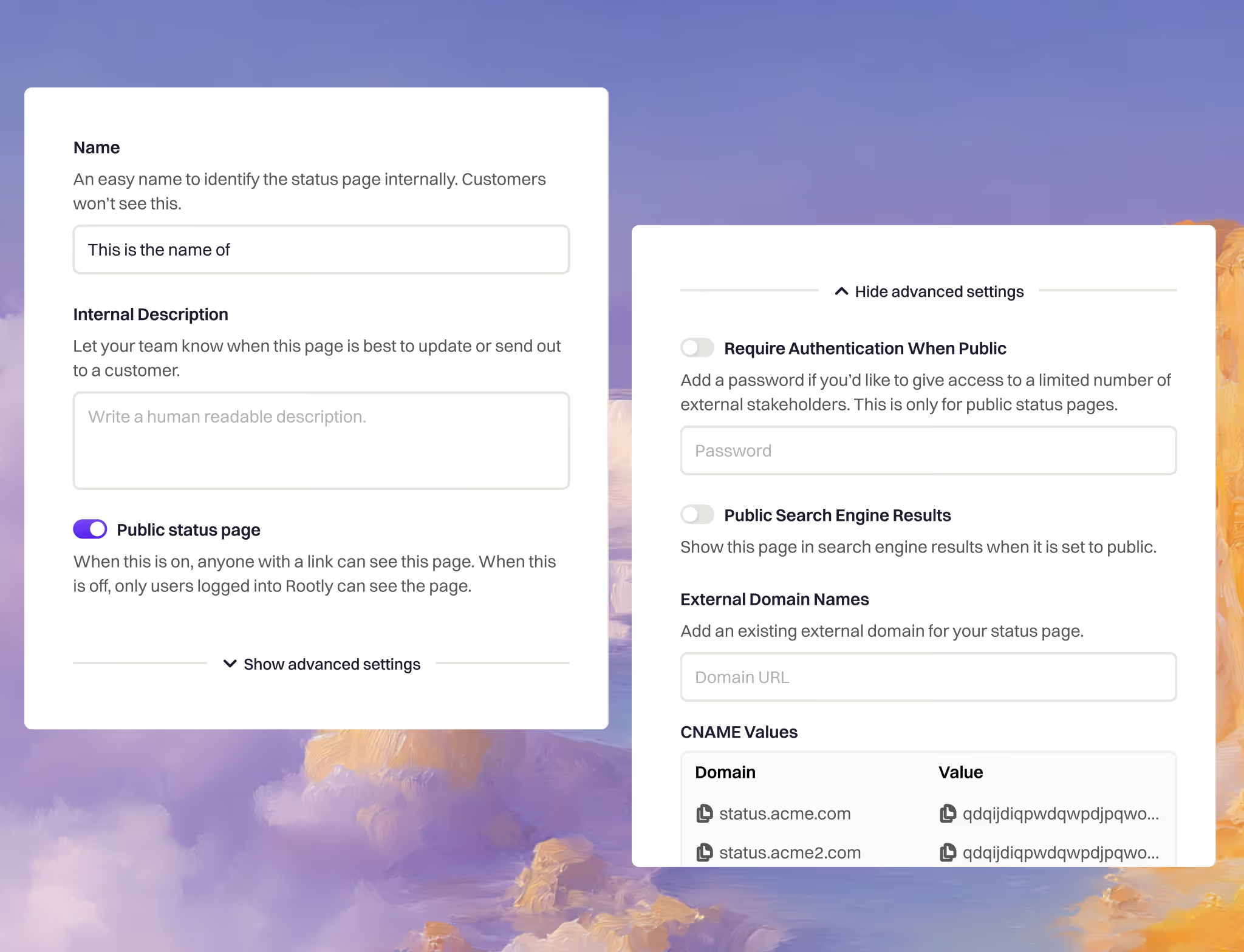
Publish customer-facing updates on your own domain with SEO-friendly public pages, or lock things down with SSO/authenticated private and internal pages—so the right audience gets the right message, automatically.
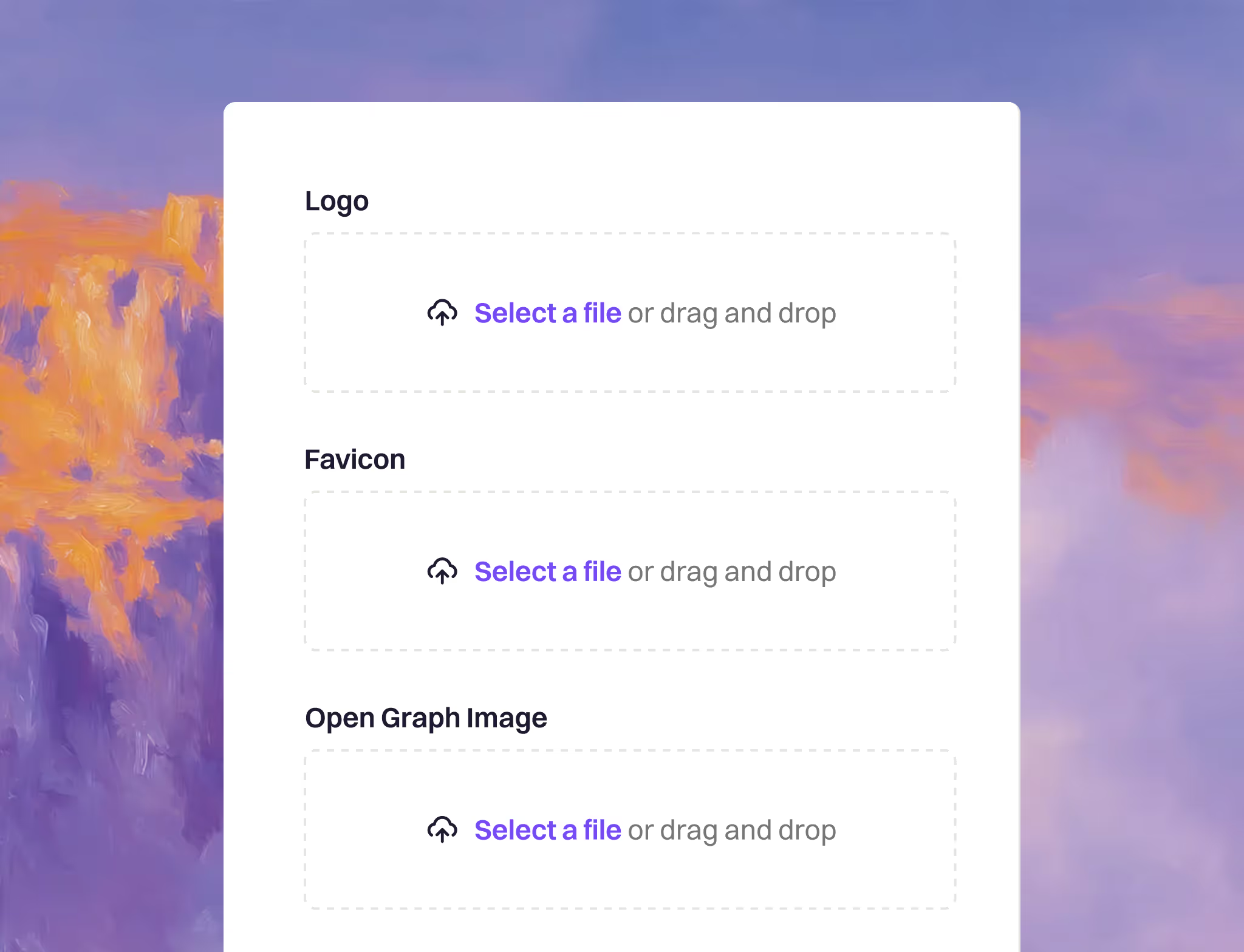
Launch a fully branded status experience on your own domain—with custom URL paths, logo, colors, favicon, and Open Graph previews—so every incident update looks and feels like a part of your products and experiences.
Everything you need to know about retrospectives.
What is a Status Pages?
Rootly Status Pages let you publish clear, real-time service updates during incidents and maintenance—so customers and stakeholders always know what’s happening, what’s impacted, and when to expect the next update.
Why do teams use status pages in the first place?
Because the fastest way to reduce confusion during downtime is to share a single source of truth. A high-functioning status page builds trust, prevents rumor-based escalations, and keeps your team focused on fixing the issue instead of answering repeated “is it down?” questions.
How does Rootly Status Pages reduce support tickets?
When customers can self-serve accurate updates, they don’t open “any updates?” tickets. Rootly helps you publish timely, consistent messages so support and engineering aren’t flooded with duplicate inbound requests during incidents.
How is Rootly different from standalone status page tools?
Rootly is incident-first. Status updates aren’t an afterthought—they’re part of the incident workflow. That means communication stays aligned with response, updates happen on time, and your team doesn’t have to context-switch into separate tools to keep customers informed.
Can we automate status updates?
Yes—Rootly can help you automate updates (where appropriate) and/or speed things up with templates and pre-approved messaging. You can keep humans in the loop for sensitive incidents while still moving fast.
Does Rootly remind teams to post updates?
Yes. Rootly supports prompts and reminders so updates don’t stall mid-incident. The goal is simple: fewer silent gaps, fewer escalations, calmer incidents.
Can customers subscribe so they never miss an update?
Yes. Status page subscriptions/notifications let customers and stakeholders opt in to incident and maintenance updates—so they get the latest without needing to refresh or reach out to support.
Can we control who sees what? (Public vs private vs internal)
Yes. Rootly supports status pages for different audiences, including public pages for customers and options for restricted visibility (e.g., internal-only or partner-specific access) when you need tighter control.
Does Rootly support authentication for private pages?
Yes—Rootly can support authenticated access for private/internal pages, so sensitive operational details stay limited to the right audience.
How do we communicate maintenance windows vs incidents?
A good status program covers both. Rootly can help you publish planned maintenance updates and incident updates in the same place, with consistent messaging and clear timelines—so customers know what’s scheduled vs what’s unexpected.
What outcomes should we expect after launching Rootly Status Pages?
Teams see fewer inbound support tickets during incidents, faster and more consistent customer updates, and higher customer confidence because communication is proactive and reliable.If you want, I can tailor these FAQs to match your exact feature set and terminology (e.g., whether you call them “Public/Private/Internal,” what auth methods you support, and what subscription channels you offer) and then rewrite them in your final landing-page voice.